 Documentation
Upstreams
v4Guard Tunnel allows you to configure one or multiple upstreams for your company. The usptreams are groups of host:port pairs that will be used to forward traffic to your backend servers from our edge network. The backend servers can be single Spigot servers, or BungeeCord/Velocity proxies, or whatever software that speaks the Minecraft Protocol.
You can have multiple upstreams, which can be useful if you have different servers, or purposes for your server (e.g. staging, production...). The upstreams will be linked to one or multiple Virtual Hosts.
Configuring an Upstream
To configure a new upstream, go to the Upstreams page, and click on the ADD button, after that you'll be presented with a modal asking for the following information:
| Field | Description | Required | Default |
|---|---|---|---|
| Upstream Name | The name of the upstream, which will be used to identify it in the dashboard. | - | |
| Backend Hosts | A list of ip:port pairs, where we will forward traffic to. | - | |
| Proxy Protocol | Whether to use the Proxy Protocol or not. | ||
| Bedrock | Whether is a Bedrock upstream or not. Refer to Bedrock Tunnel section for more info. |
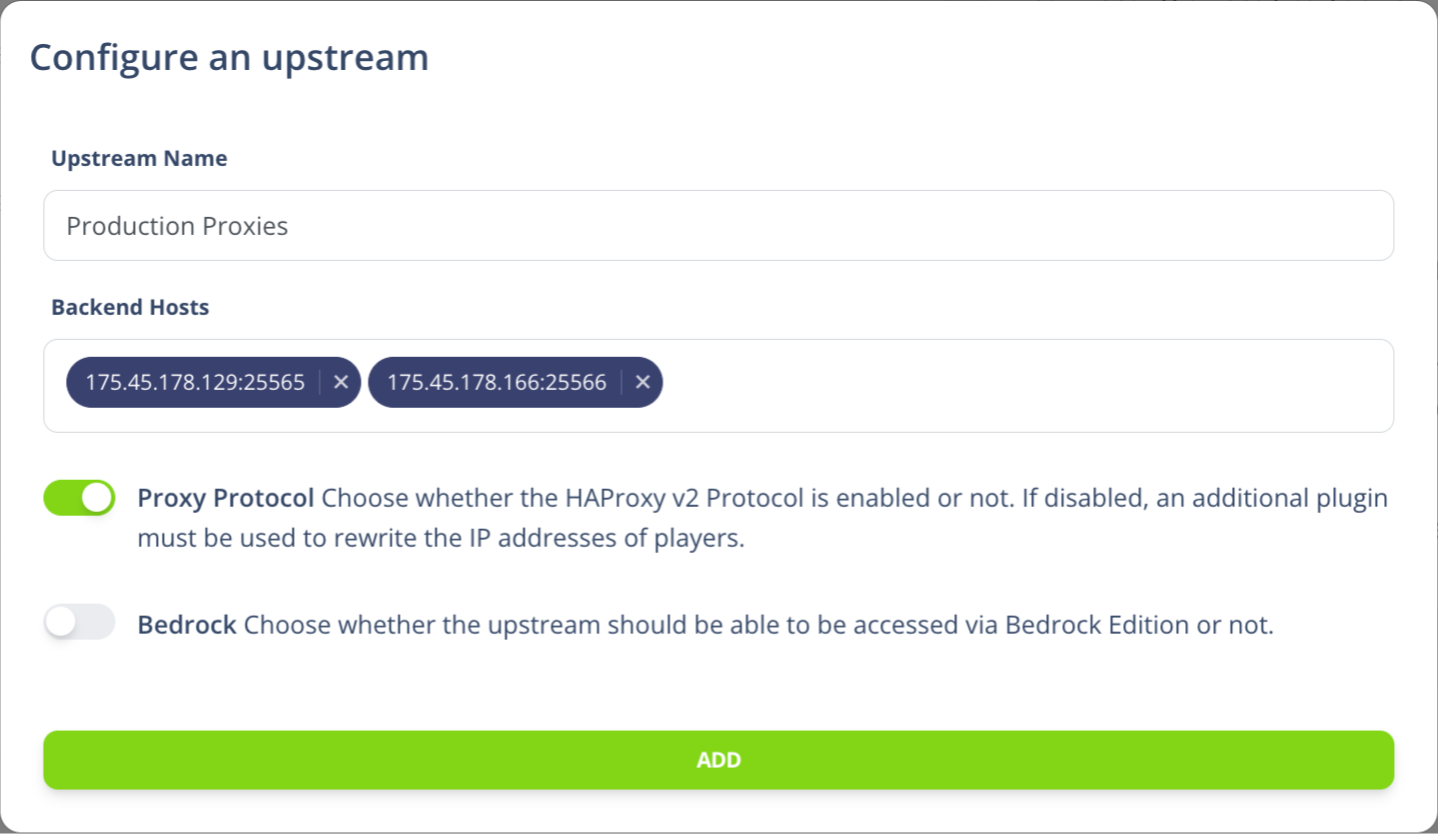
Once you have filled the form, click on the SAVE button, and you'll be redirected to the Upstreams page, where you'll see your newly created upstream.
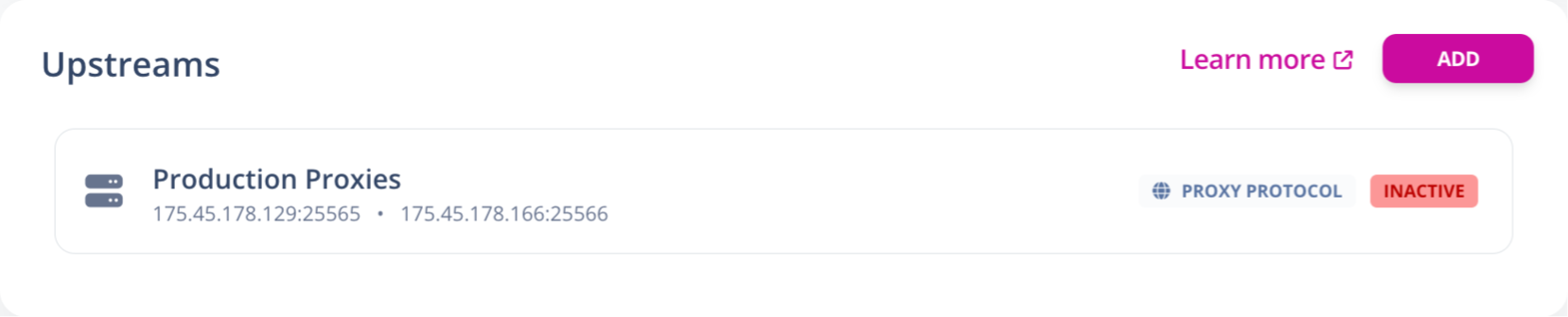
In order to use this newly configured upstream, you will need to link it to a Virtual Host, please refer to the Virtual Hosts section to learn how to set one up.
How is this guide?